Enable send as attachment
Enable Send as Attachment
The Enable "send as attachment" icon shows an icon for end users to easily send the file as an attachment in an e-mail.
It applies to the following controls:
- File
- Document Template
- File ECM
These controls are used to manage files in the Work Portal.
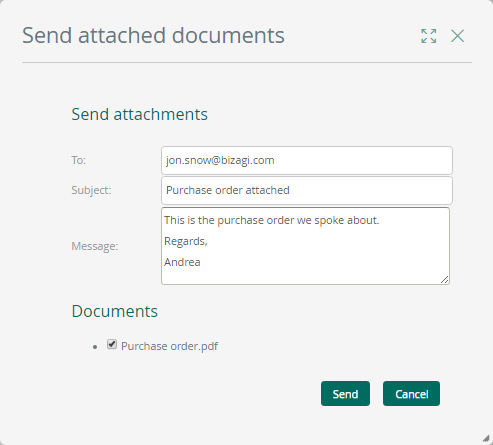
When this option is enabled, and a file is related to the control, a small envelope icon is displayed next to the file.
When the user clicks the envelope icon, a new window will appear, allowing the end user to enter the e-mail information, such as:
- To whom the e-mail is sent
- A subject
- A message